
Side by side
See both markets at a glance
View total inventory, primary availability, primary resale, secondary inventory, and venue capacity together for the event you’re viewing.
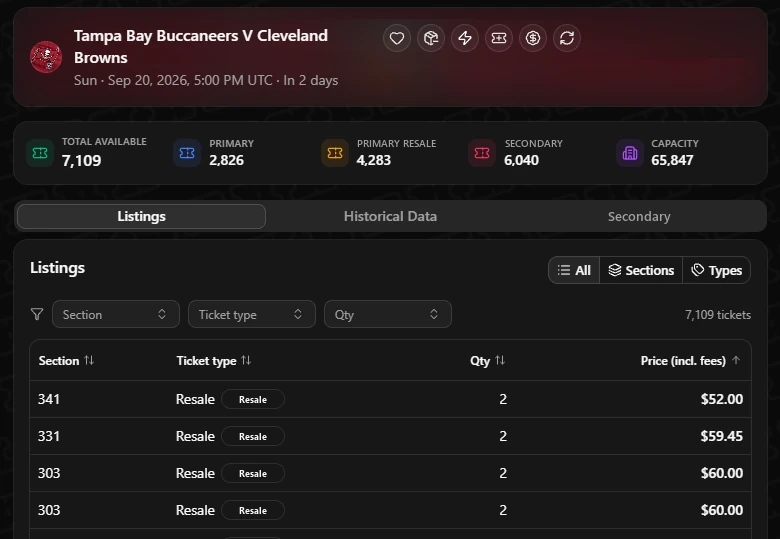
Side by side
View total inventory, primary availability, primary resale, secondary inventory, and venue capacity together for the event you’re viewing.
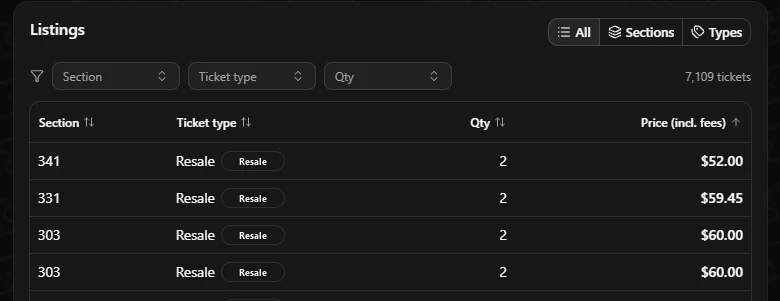
Listings
See section, ticket type, quantity, and all-in price, with filters and sorting to quickly find the inventory you want.
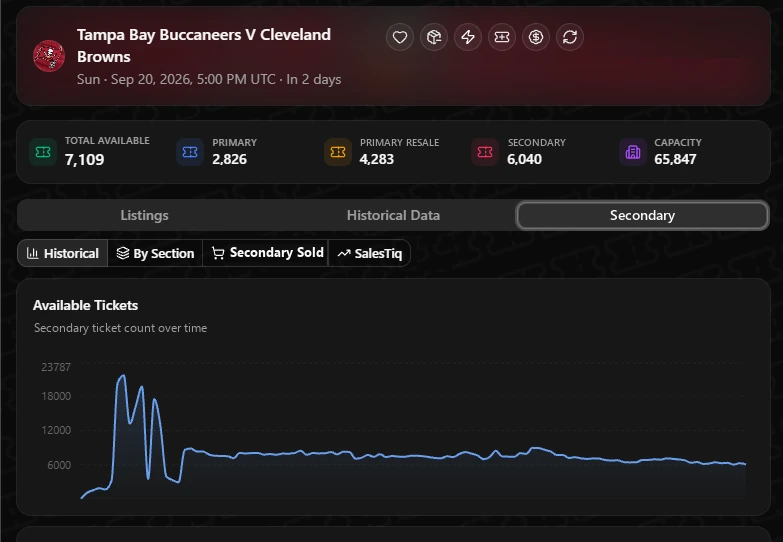
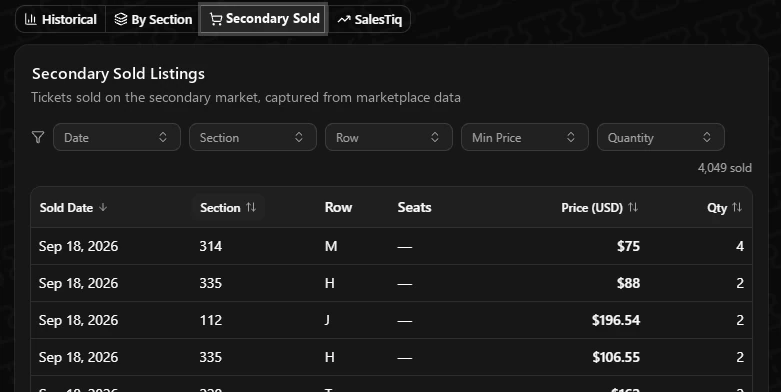
Secondary history
Track secondary inventory over time, review sold data, and access SalesTIQ insights without leaving the primary ticket page.
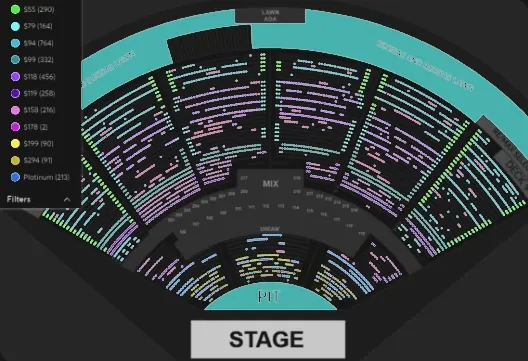
Price map
Color every available seat by price range to quickly identify where inventory is concentrated and where the best-priced pockets are.
Add the extension to your browser, or let our team walk you through it.
Every tool reads from the same data, so they work best together.
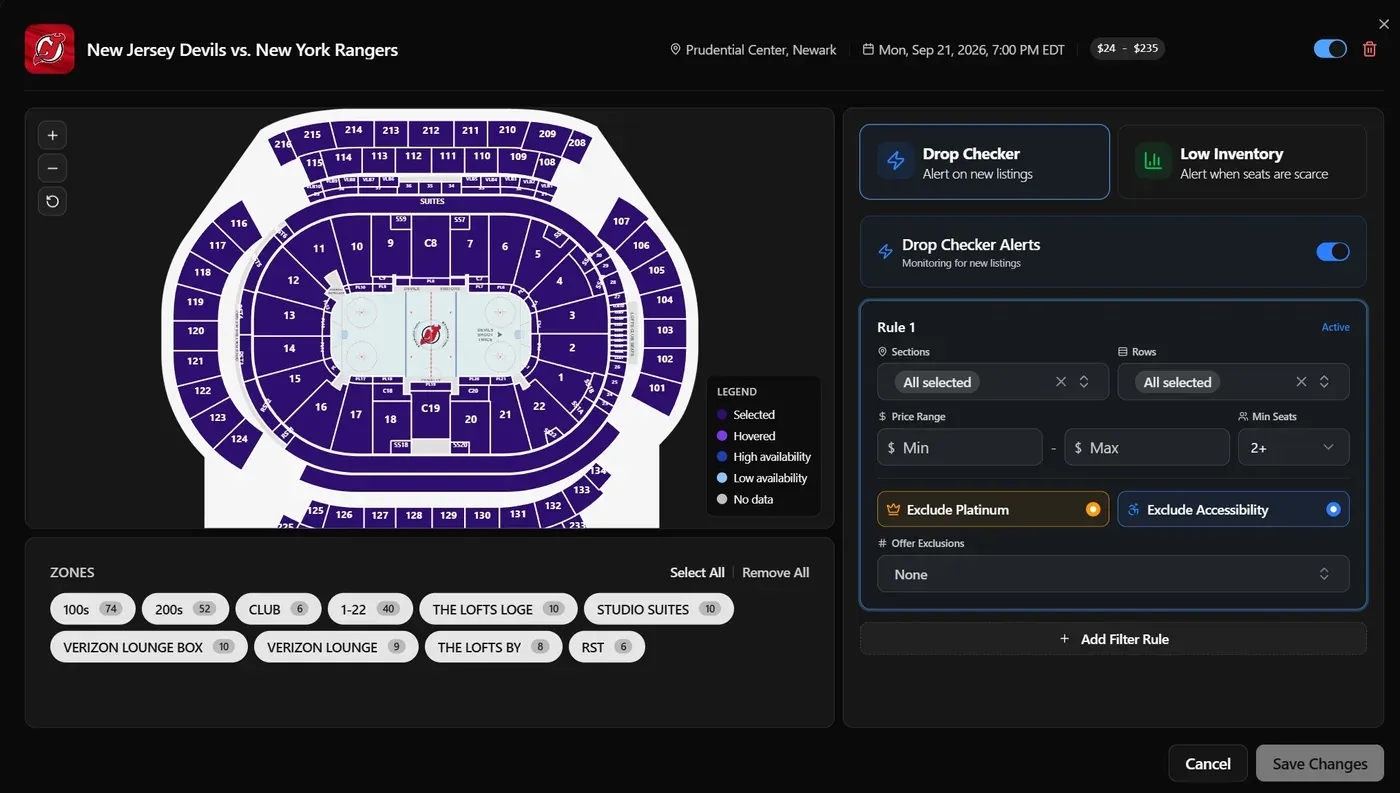
Know the moment inventory moves
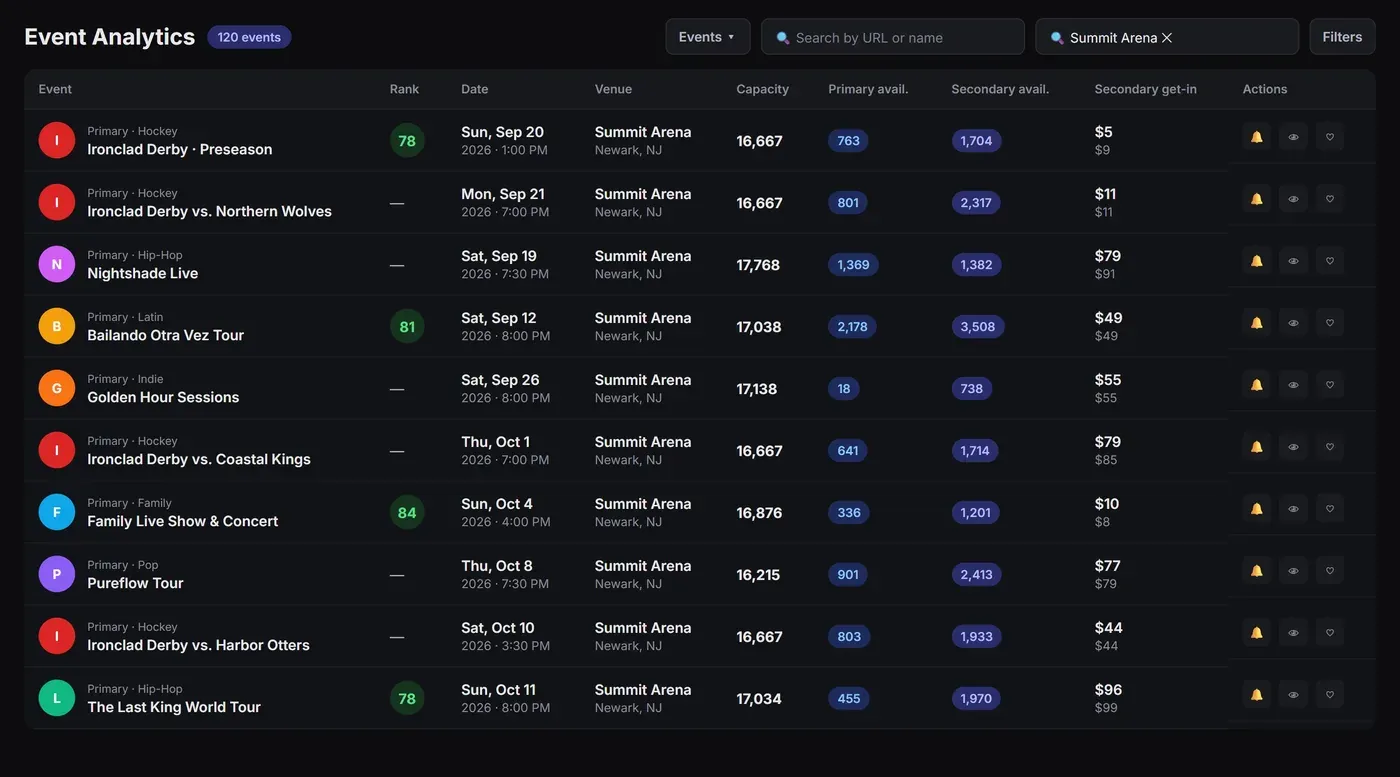
Primary and secondary data for any event
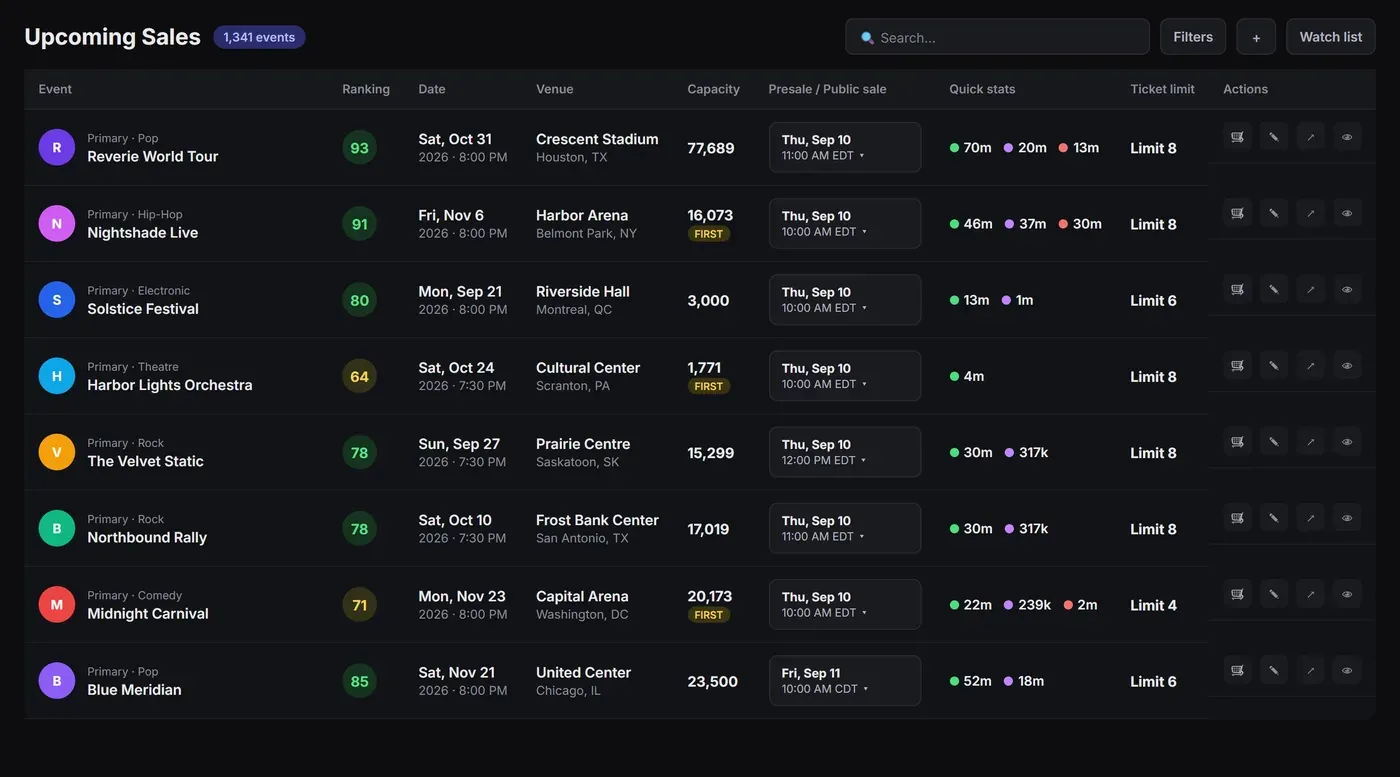
Every presale and on-sale before it happens
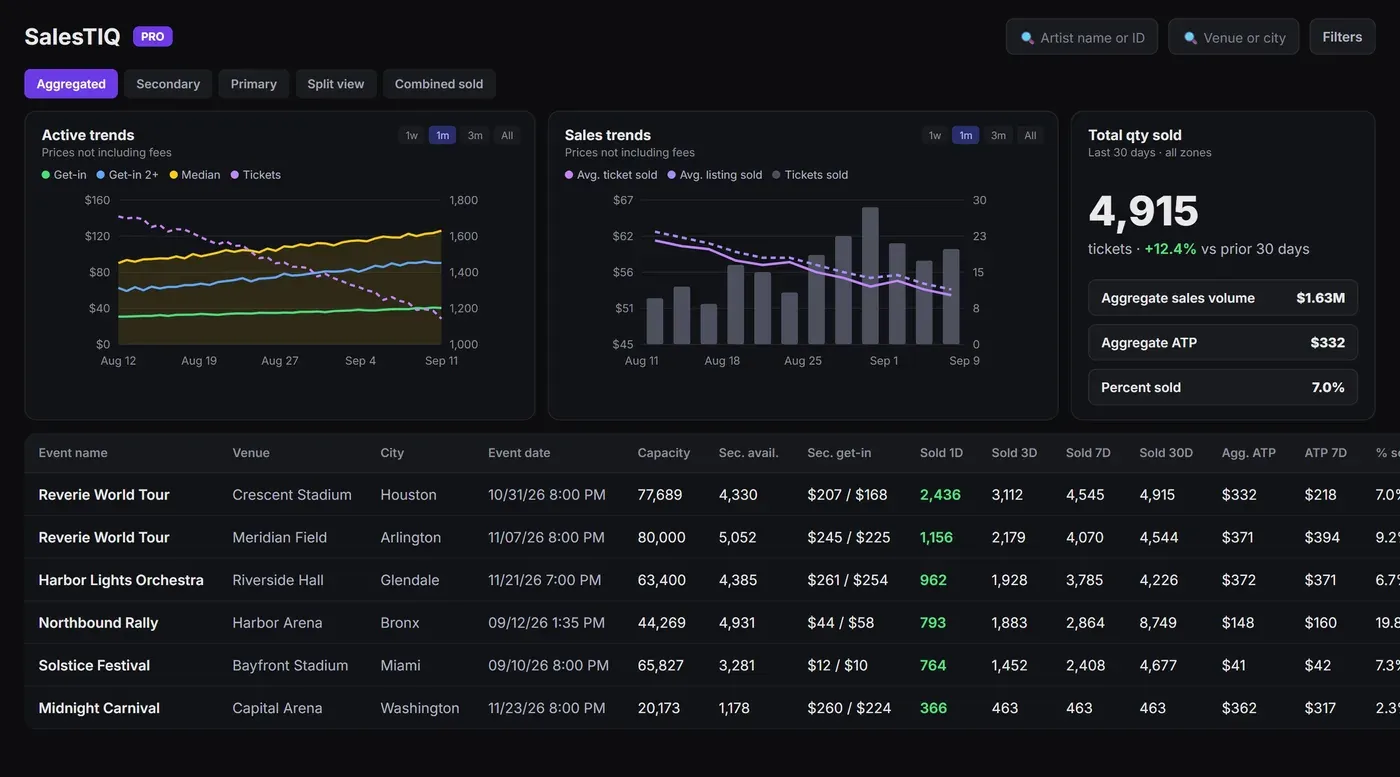
Sales, pricing and demand across every market
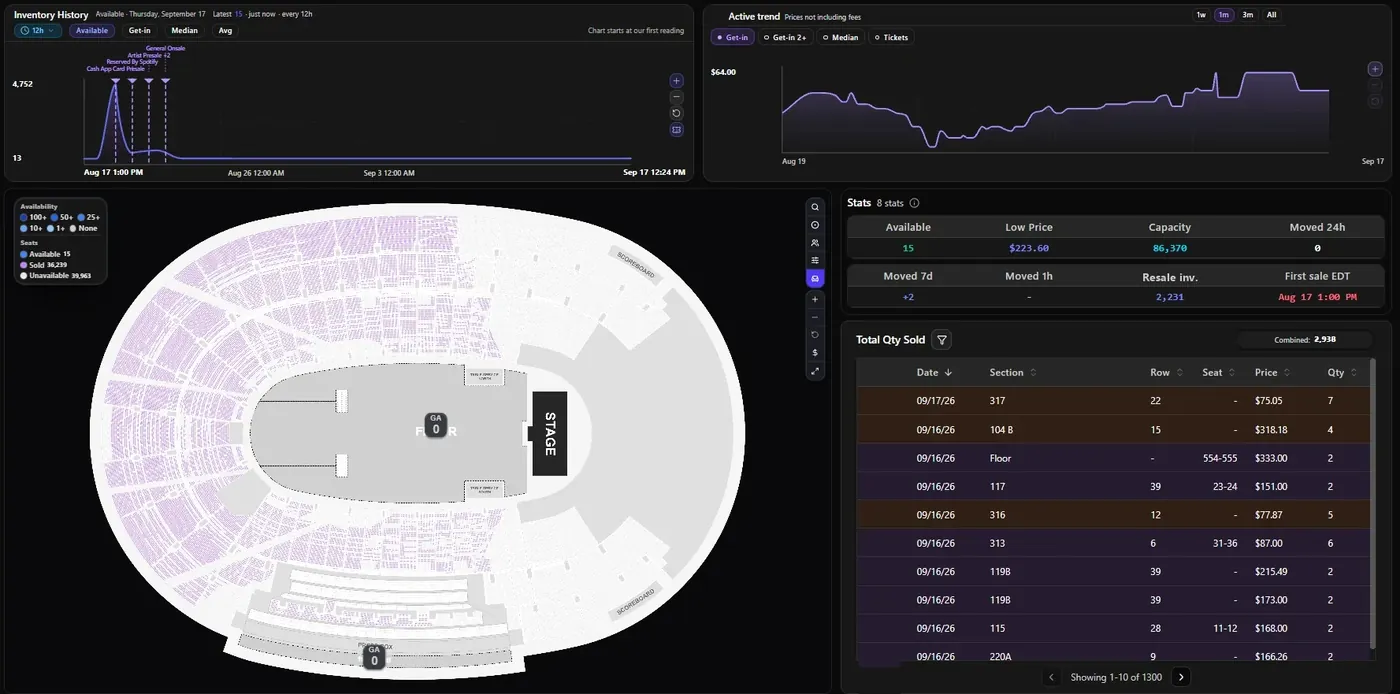
Primary inventory seat by seat, live
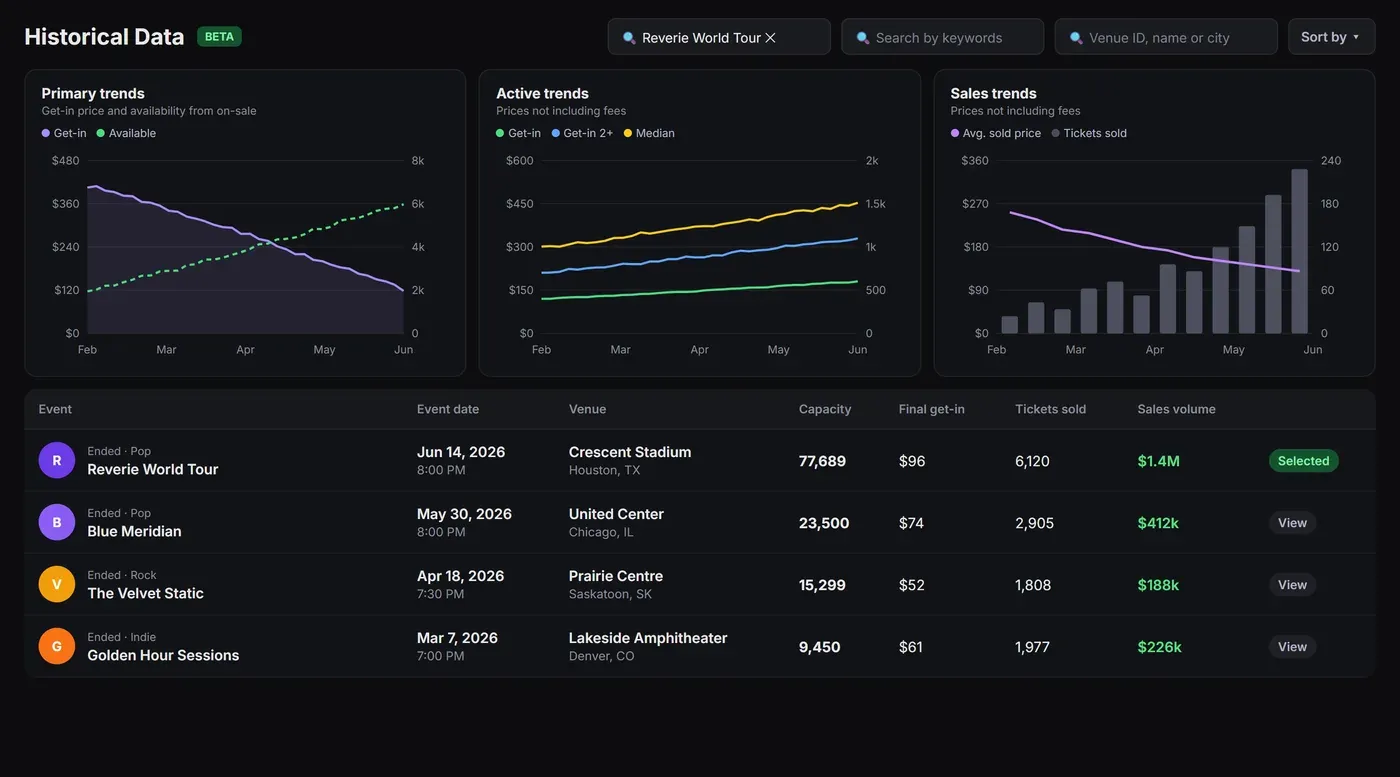
How any past event really sold
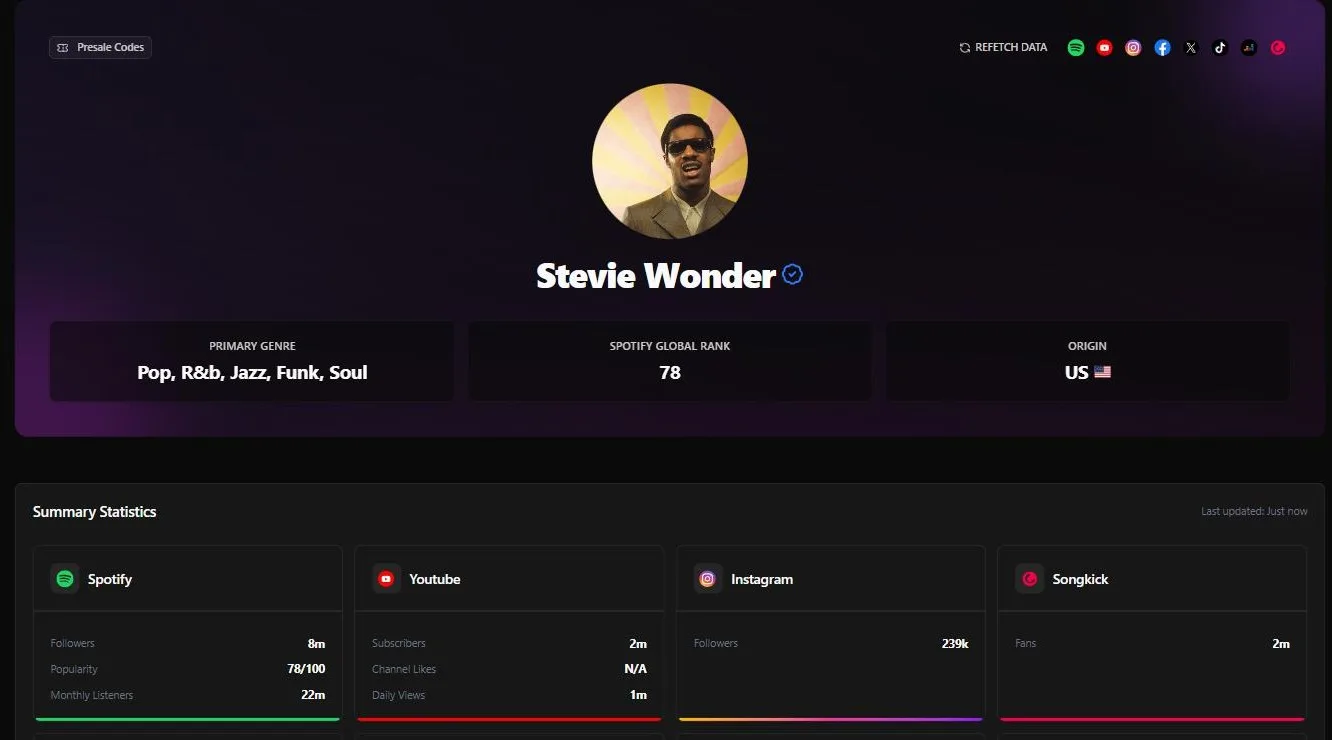
Audience size and location for any artist
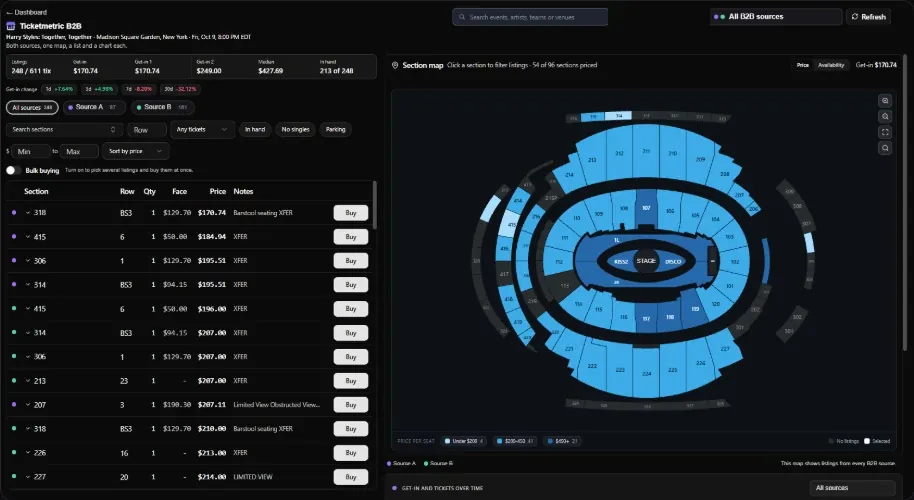
Multiple B2B sources in one dashboard